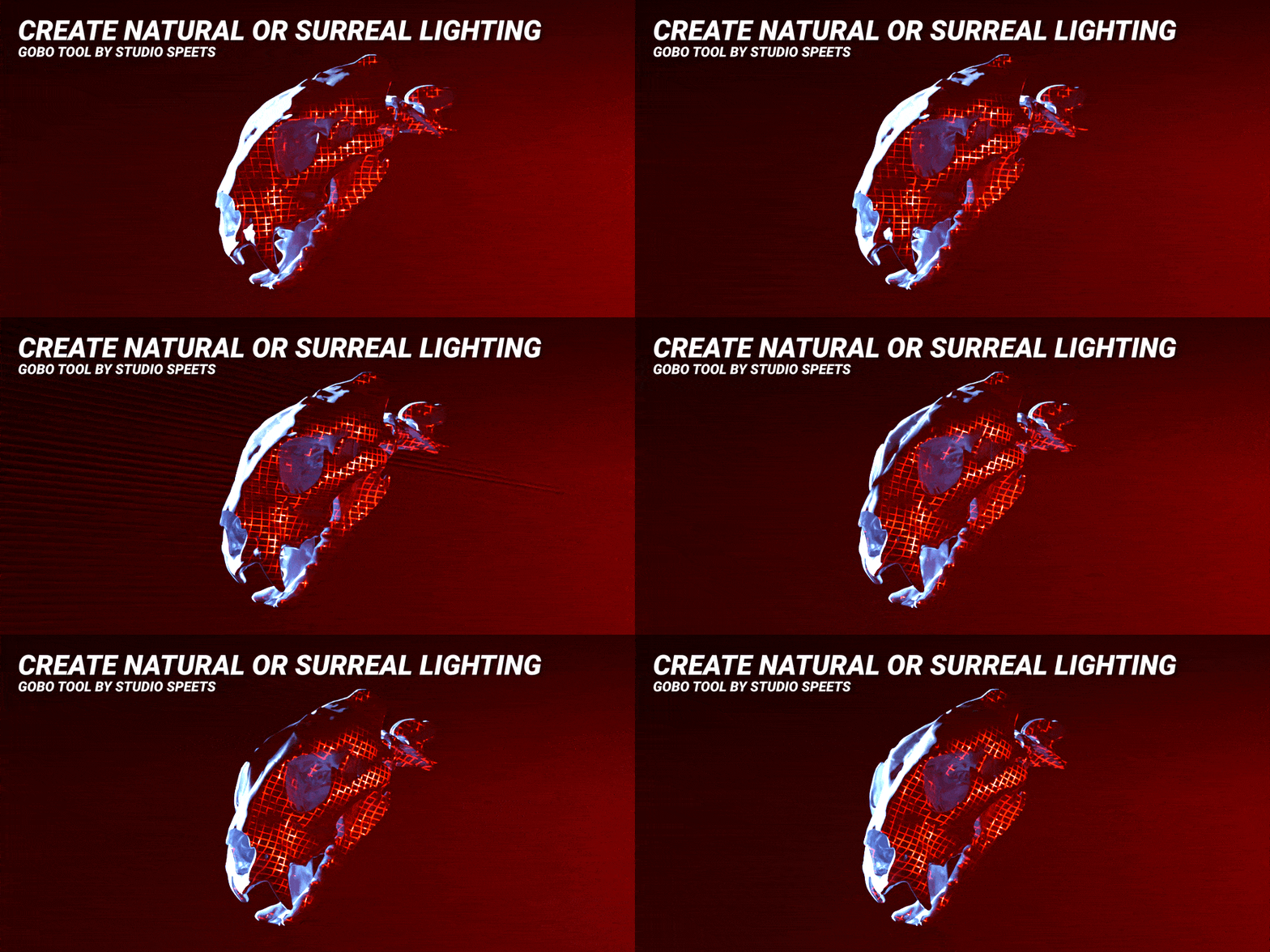
Easy lighting setups in Blender with Gobo Tool

Light Smarter with Gobo Tool for Blender
Lighting can make or break a scene — and with Gobo Tool, it becomes one of the most creative and enjoyable parts of your workflow.
Gobo Tool is a fully procedural lighting setup for Blender, built to give artists complete control over animated, stylized lighting effects. Whether you’re creating abstract renders, motion design, or atmospheric scenes, Gobo Tool helps you build beautiful, customizable lighting setups — fast.
What Makes Gobo Tool Special?
Unlike traditional lighting setups that rely on static gobos, baked animations, or pre-rendered textures, Gobo Tool is fully procedural and designed for maximum flexibility inside Blender. No baking. No keyframes. Just live, responsive lighting built for creativity.
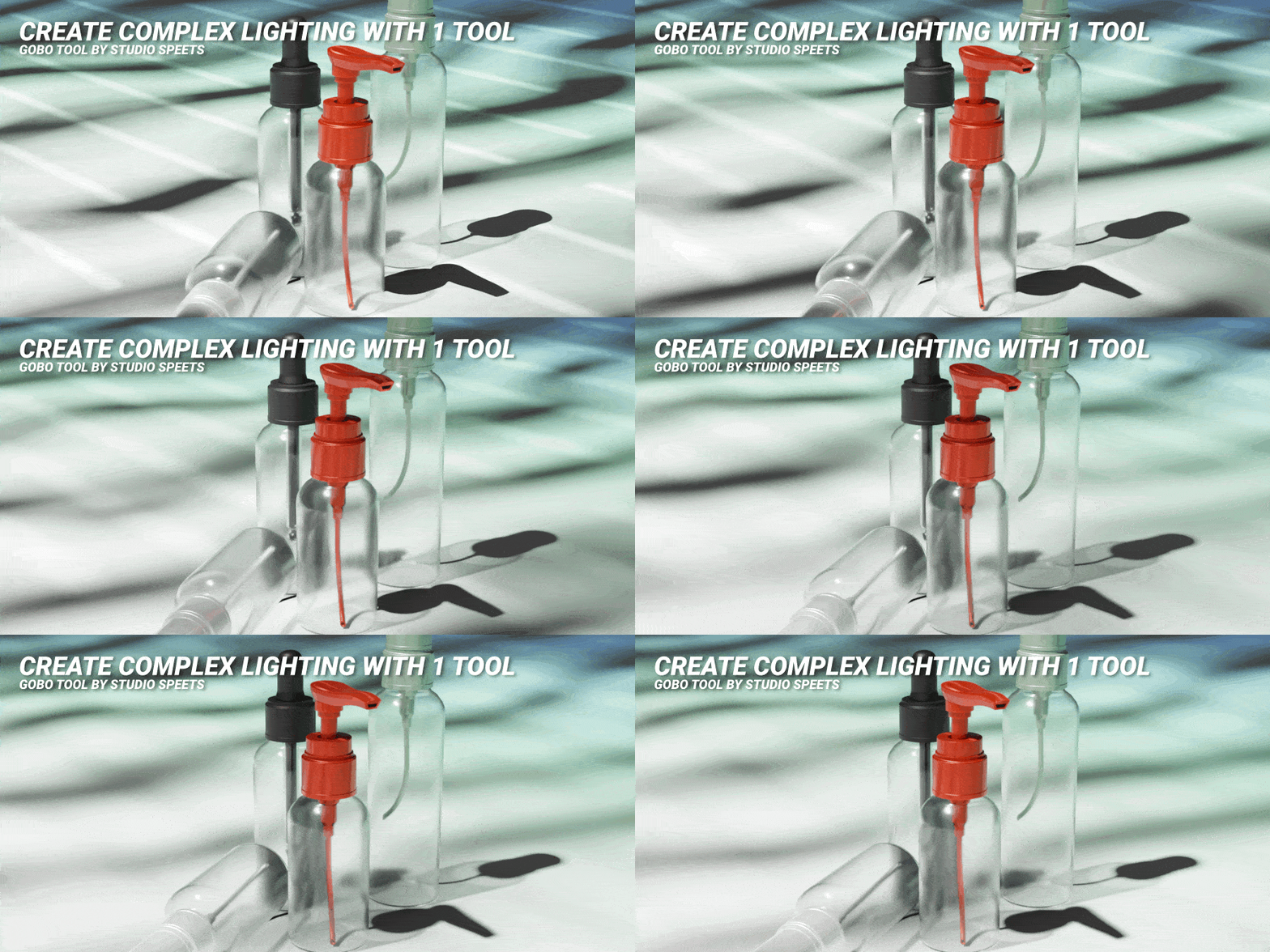
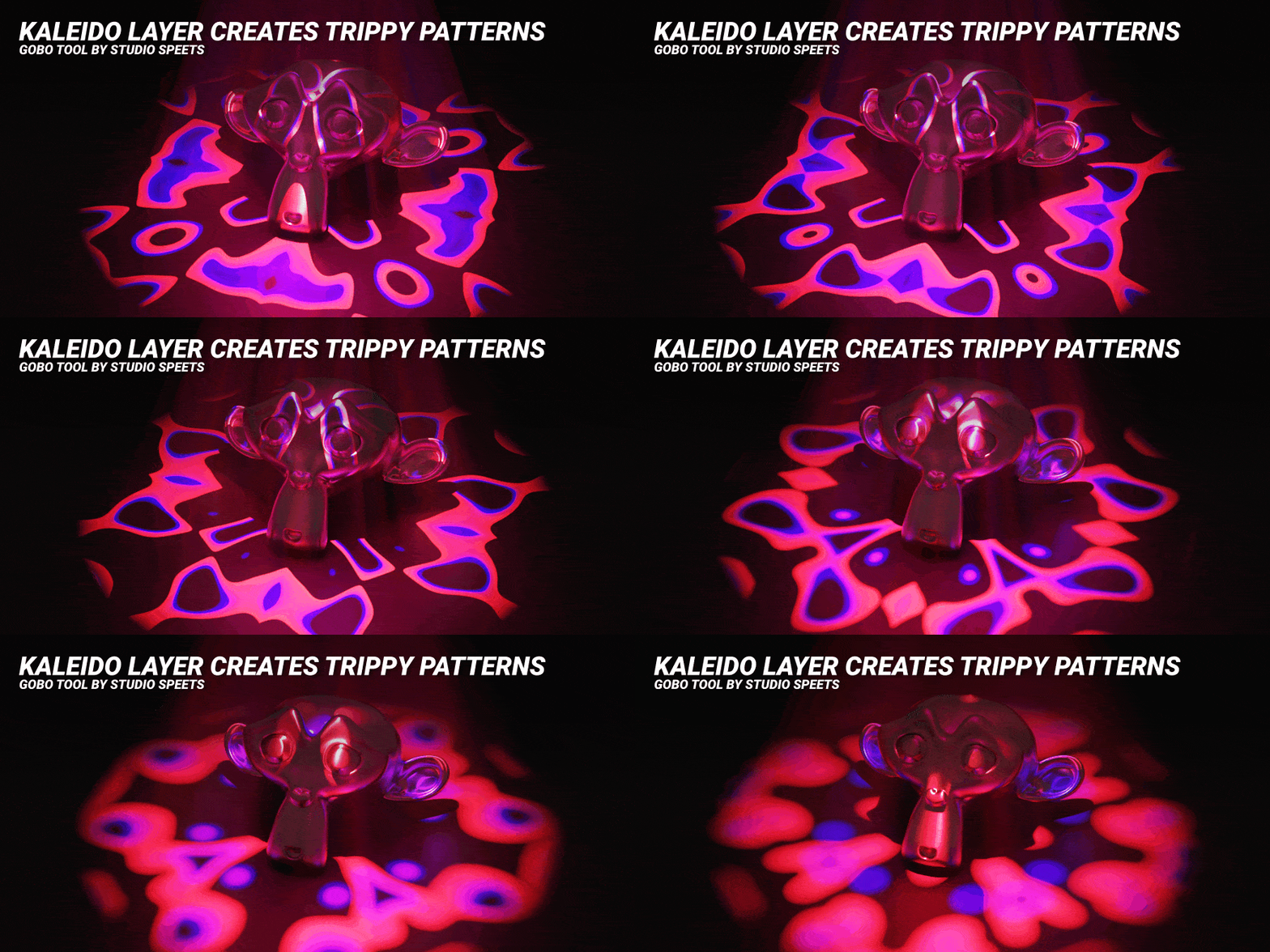
Here’s what Gobo Tool offers:
- Fast workflow – Drop it into your scene and start lighting instantly
- Fully procedural – Shapes, colors, and motion are generated live, giving you endless variation
- Easy animation – Animate lights using sliders, drivers, or custom inputs — no keyframes required
- Highly customizable – Control patterns, transitions, noise, speeds, and more with intuitive parameters
- No node diving required – Everything is controlled directly from the Blender Light tab, making it incredibly easy to use
- Visually stunning – Ideal for cinematic, stylized, or abstract results
- Creative freedom – Use it as a primary light source or an artistic accent — the possibilities are open-ended
Who Is It For?
Gobo Tool is made for Blender users who want to enhance their scenes with dynamic, eye-catching lighting — without getting bogged down in technical setups. It’s perfect for:
-
Motion designers
-
3D animators
-
Stylized illustrators
-
VJ artists and performers
-
Anyone who wants to bring their lighting to life
Why Use Procedural Lighting?
Procedural tools like Gobo Tool allow for fast iteration, reusable setups, and visually rich results with minimal effort. You can create complex animations, adjust on the fly, and explore more creative directions — all without ever touching the shader editor.